
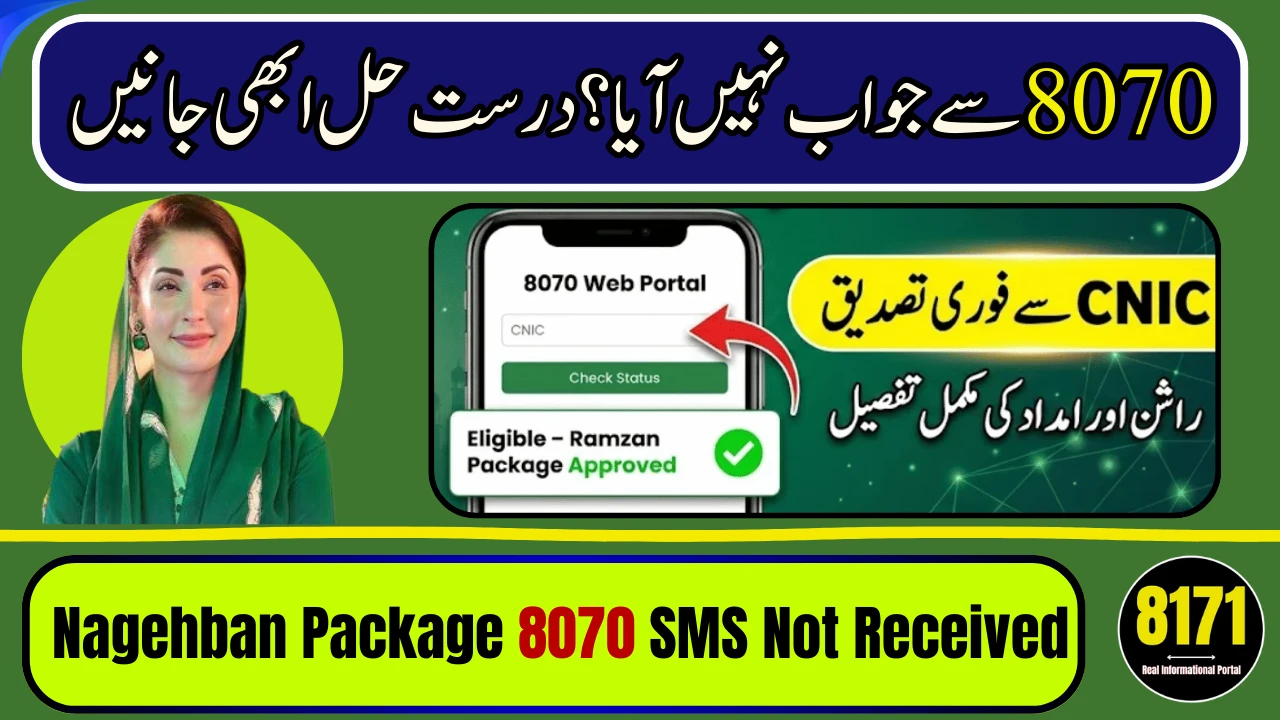
If you sent your CNIC to 8070 for the Nagehban Ramadan Package and still haven’t received an SMS after 24 hours, don’t panic. In most cases, delay happens due to high traffic, incorrect CNIC format, SIM mismatch, or system verification backlog.
The government processes thousands of requests daily. If your mobile number is not registered on your CNIC or you entered digits incorrectly, the system may not respond instantly. Before assuming rejection, follow the correct verification steps below.
Why 8070 SMS Is Delayed
Common reasons include:
-
Heavy system load during Ramadan
-
CNIC typed with dashes or wrong digits
-
SIM not registered on applicant’s CNIC
-
Database verification under process
-
Already verified in previous survey
Sometimes, the system does not send a reply if data is still under review.

Step-by-Step Solution If SMS Not Received
Step 1: Recheck CNIC Format
-
Type your 13-digit CNIC without dashes.
-
Send again to 8070 from your own registered SIM.
-
Wait at least 6–12 hours before retrying.
Step 2: Confirm SIM Registration
Ensure the mobile number you are using is issued against your CNIC. Unregistered SIMs often fail verification.
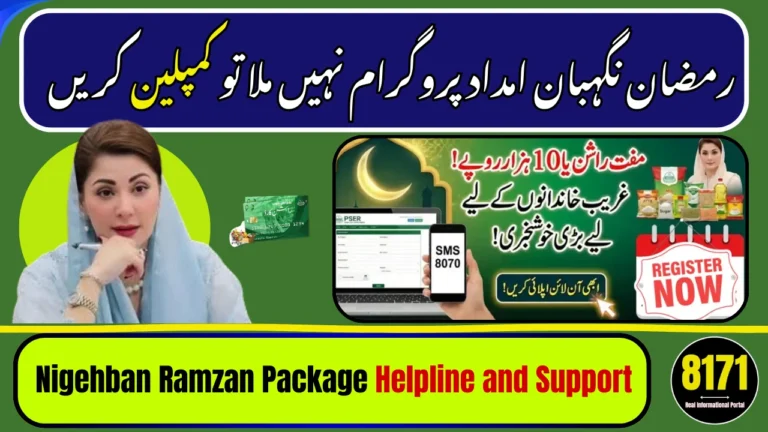
Step 3: File Complaint Through Maryam Ko Bataen Portal (Official Method)
If 24–48 hours pass without any reply:
-
Visit the official Maryam Ko Bataen Portal.
-
Register your account using CNIC and mobile number.
-
Verify OTP.
-
Login to dashboard.
-
Click Register New Complaint.
-
Select Nagehban Ramadan Package.
-
Enter your CNIC and explain that 8070 SMS not received.
-
Submit complaint.
Response usually comes within 24 hours.

Quick Problem Guide
| Issue | Solution |
|---|---|
| No SMS after 24 hours | Resend CNIC correctly |
| SIM mismatch | Use registered mobile number |
| Under verification | Wait for system update |
| No reply after 48 hours | File complaint via portal |

Important Guidelines
-
Do not send CNIC multiple times within minutes.
-
Avoid agents claiming “manual approval.”
-
Never share OTP with anyone.
-
Only trust official SMS from 8070.

Final Advice
If your Nagehban Ramadan Package 8070 SMS is not received after 24 hours, stay calm, verify your CNIC format, confirm SIM registration, and use the official complaint portal if needed. Use only government channels for accurate updates.
FAQs
Is 8070 reply always instant?
Not always. During peak days, delays are normal.
Can I apply again if no SMS received?
No need. First verify your existing request.
What if my CNIC is correct but no response?
File complaint through Maryam Ko Bataen portal.
Is there any fee for complaint?
No. The complaint process is completely free.
How long does complaint resolution take?
Usually within 24 hours after submission.


Please mjy bi btya dy kb milya gya pasy bht daf apply kr chuki hu