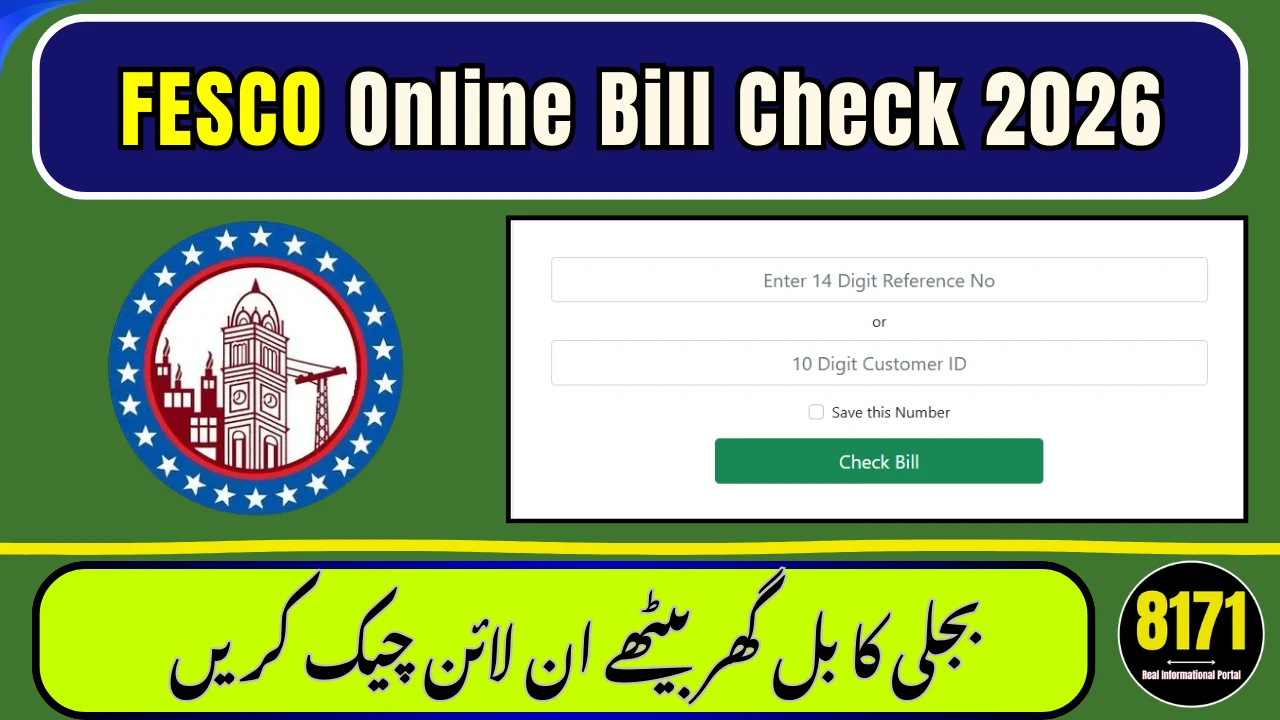
If you want to check your Fesco online bill, simply enter your 14-digit reference number in the bill checking tool below. Within seconds, you can view your latest bill amount, due date, and download a duplicate copy for payment.
Faisalabad Electric Supply Company (FESCO) provides electricity to Central Punjab. Whether your bill is delayed, misplaced, or you need it for online banking, the digital bill system gives you instant access without visiting any office.
Fesco Online Bill Check
Enter your 14-digit Reference Number
Preparing your Fesco bill, please wait…
What is Fesco Online Bill?
Fesco online bill is a duplicate digital copy of your monthly electricity bill. It includes:
- Current payable amount
- Due date
- Meter reading & issue date
- After-due surcharge
- Limited previous bill history
You can use this copy for bank payment, mobile apps, or record keeping.
How to Check Fesco Online Bill (Step-by-Step)
1️⃣ Find Your Reference Number
Your 14-digit reference number is printed on the top left corner of any previous bill.
2️⃣ Enter the Number in the Tool
Type the reference number carefully. You may also use a 10-digit Customer ID.
3️⃣ View & Download
Click “Check Bill” to open the full bill. Use the print option to download it as PDF.
You cannot check FESCO bill using CNIC or name — only reference number or customer ID works.
FESCO Coverage Areas
FESCO supplies electricity in 8 major districts of Punjab:
| District | Major Cities |
|---|---|
| Faisalabad | Faisalabad, Jaranwala, Sammundri |
| Sargodha | Sargodha, Bhalwal, Shahpur |
| Jhang | Jhang, Shorkot |
| Toba Tek Singh | Gojra, Kamalia |
| Bhakkar | Darya Khan |
| Khushab | Quaidabad |
| Mianwali | Isa Khel |
| Chiniot | Lalian |
Why Use Fesco Bill Online Service?
- Instant duplicate bill access
- Mobile-friendly interface
- Download anytime, anywhere
- Avoid late payment penalties
- Track 12-month bill history
FESCO Peak Hours (Save on Bills)
| Months | Peak Timing |
|---|---|
| April – October | 6:30 PM – 10:30 PM |
| November – March | 6:00 PM – 10:00 PM |
Reducing electricity use during peak hours lowers your total bill.
Taxes & Charges You May See
Common charges include:
- FPA (Fuel Price Adjustment)
- GST
- Electricity Duty
- Fixed Charges
- Quarterly Tariff Adjustment
Understanding these helps you verify billing accuracy.
Conclusion
Checking your Fesco online bill takes less than a minute. Enter your reference number above, download your duplicate bill, and pay before the due date to avoid surcharges.
FAQs
How can I check my Fesco online bill?
Enter your 14-digit reference number in the official bill checking tool to view your bill instantly.
Can I download a duplicate FESCO bill?
Yes, you can download and print the bill in PDF format.
Can I check FESCO bill by CNIC?
No, only reference number or customer ID is required.
Is online bill valid for bank payment?
Yes, printed duplicate copy is valid for all banks and mobile apps.
How can I check if my bill is paid?
Open full bill details to view payment status for recent months.
What if bill shows “Not Found” error?
Recheck your reference number or try again later if bill is newly issued.