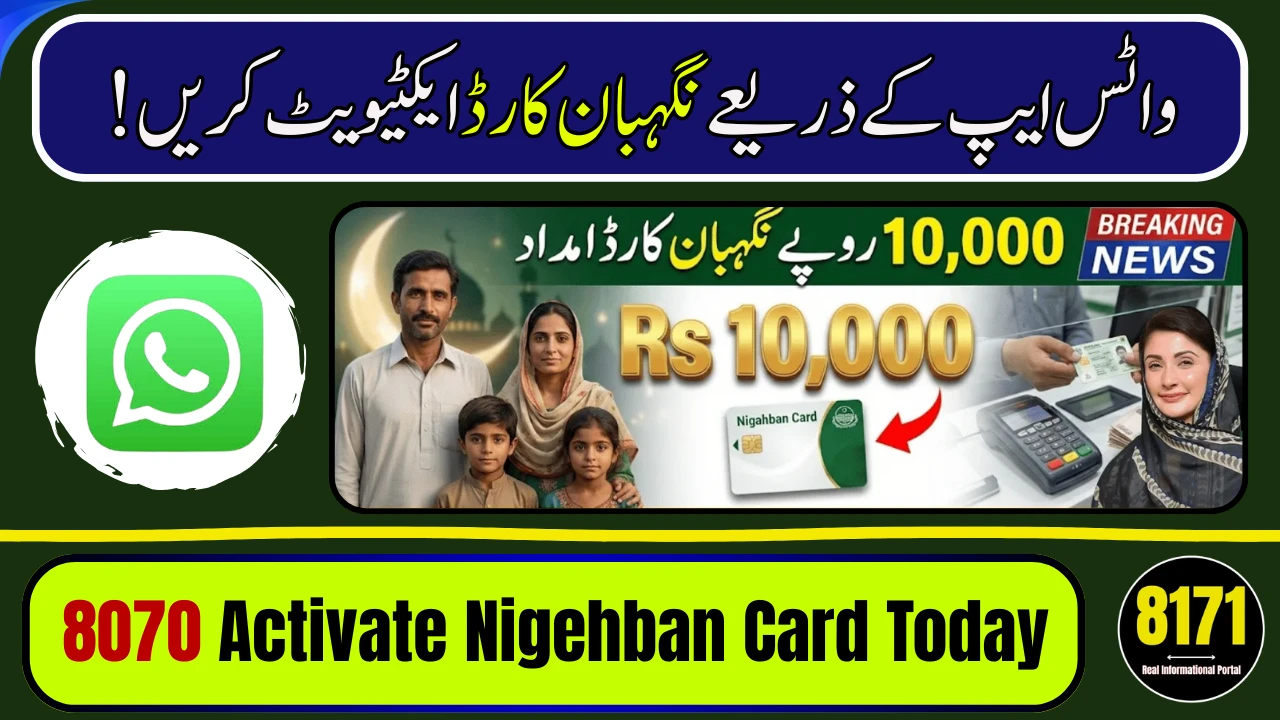
To activate Ramadan Nigehban Card via WhatsApp, you must first verify your eligibility through SMS 8070 or the PSER portal. WhatsApp is mainly used for support, complaint tracking, and issue resolution — not direct fund activation.
Launched under the Government of Punjab, the Nigehban Ramzan Card provides Rs. 10,000 cash assistance or ration support to deserving families. The system is digitally linked with PSER (Punjab Socio-Economic Registry) to ensure transparency and avoid duplication.
What Is Ramadan Nigehban Card 2026?
It is a Punjab Ramadan relief initiative that offers financial assistance to low-income households. The program uses CNIC-based verification and mobile-linked authentication for secure distribution.
How to Activate Ramadan Nigehban Card
Step-by-Step Process
-
Send your 13-digit CNIC to 8070.
-
If eligible, complete PSER survey online (if required).
-
Receive approval SMS.
-
Visit designated bank or ATM to activate card.
-
Enter OTP received on your registered mobile.
-
Set your 4-digit PIN for withdrawals.
Funds are usually activated through partner banks such as Bank of Punjab.
How WhatsApp Helps in Activation
WhatsApp support can help you:
-
Track application status
-
Report biometric failure
-
Submit CNIC photo for verification
-
Register complaints
You must use the official helpline WhatsApp number only.
Required Documents
| Document | Purpose |
|---|---|
| Original CNIC | Identity verification |
| Registered SIM | OTP confirmation |
| Approval SMS | Activation proof |
Important Instructions
-
Registration is free.
-
Never share OTP with anyone.
-
Avoid agents or unofficial links.
FAQs
Can I activate the card fully on WhatsApp?
No, WhatsApp is for support. Activation requires OTP and ATM process.
How do I check eligibility?
Send CNIC to 8070.
What if biometric fails?
Contact official WhatsApp helpline for assistance.
Is there any registration fee?
No, the process is completely free.
Where can I withdraw cash?
From designated partner bank ATMs.